How to Add a Cookie Consent Banner to Your Website
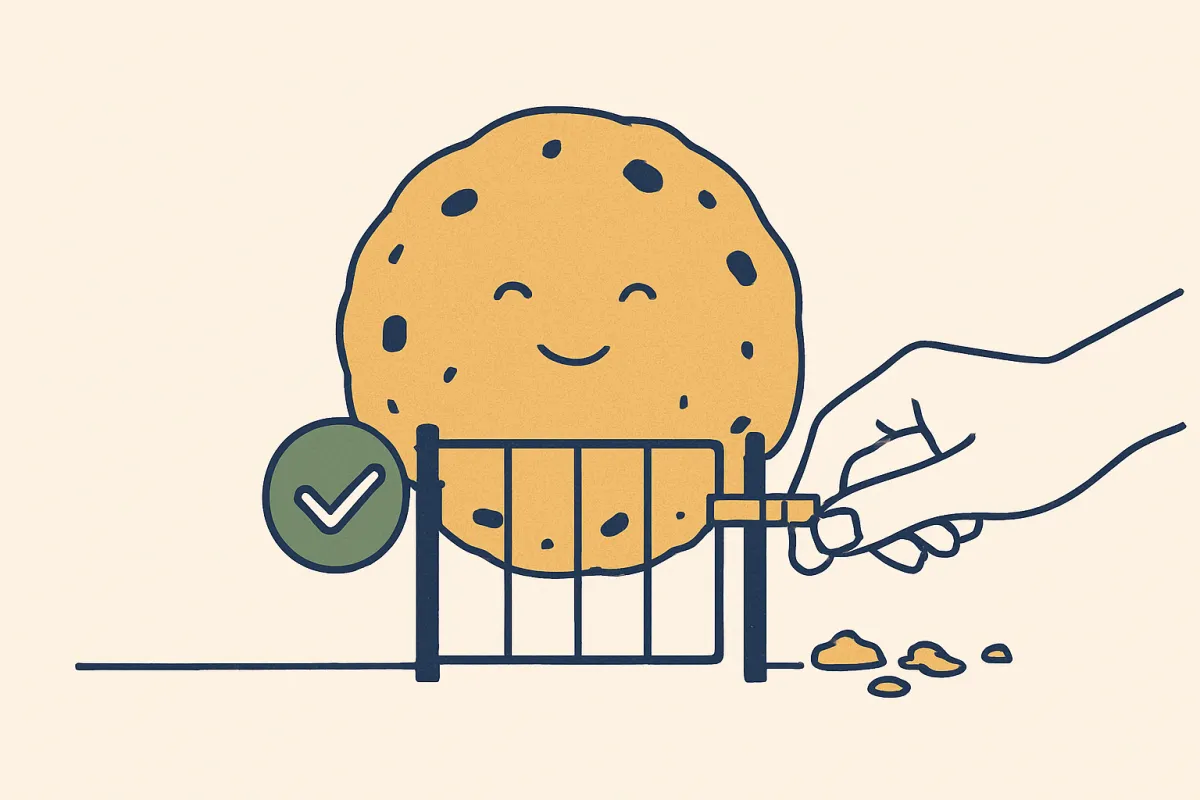
A cookie consent banner keeps you legal and builds trust, but only if you set it up correctly. Here's how to add one the right way, step by step.
If your website uses cookies, and almost every website does, you probably need a way to ask visitors for permission first. That little box that pops up asking about cookies is called a cookie consent banner. Done right, it keeps you on the good side of privacy laws and shows visitors you respect them. Done wrong, it annoys people, blocks your content, or gives you a false sense of safety. This guide shows you how to add one the right way, in plain language.

What a cookie is, in simple terms
A cookie is a tiny text file that a website saves on a visitor's browser. It helps the site remember things, like what's in a shopping cart, whether someone is logged in, or which pages they viewed. Some cookies are harmless and necessary. Others track people across the web so advertisers can follow them around.
The rules mostly care about that second kind. If you only use cookies that are strictly needed for your site to work, you often don't need consent for those. The moment you add analytics, ads, or social media pixels, you're usually collecting data that needs the visitor's permission.
Why you actually need a cookie consent banner
There are two real reasons, and both matter.
- The law. Many regions require you to ask before setting non-essential cookies. Europe's GDPR and ePrivacy rules are the strictest, but California, Brazil, the UK, and other places have their own versions. If you have visitors from those places, the rules can apply to you even if your business is somewhere else.
- Trust. A clear, honest banner tells people you handle their data carefully. That quiet signal of respect works alongside other trust builders on your site, the same way trust badges and security signals at checkout reassure buyers before they pay.
Rules vary by country and change over time, so treat this article as a practical starting point, not legal advice. If your business is large or handles sensitive data, check with someone who knows your local law.
What a good cookie banner actually does
A lot of banners you see online are done badly. They either force you to accept or make refusing nearly impossible. That approach can break the law and irritate people. A proper banner follows a few simple principles.
- Ask before, not after. Non-essential cookies should not load until the visitor agrees. A banner that sets tracking cookies the second the page loads defeats the whole point.
- Make "reject" as easy as "accept." If accepting is one click, refusing should be one click too. No hidden menus, no tiny grey text.
- Explain in plain words. Say what the cookies do and why. Skip the legal wall of text on the banner itself, and link to a fuller privacy or cookie policy for the details.
- Let people change their mind. Give a way to reopen the settings later, usually a small link in the footer.
How to add a cookie consent banner, step by step
Here's a clear order to follow. You don't need to be technical to get through this.
- Find out what cookies your site uses. List every tool that might set one: analytics, ad pixels, chat widgets, embedded videos, social feeds. Each of these usually drops cookies you'll need to mention.
- Sort them into groups. The common groups are necessary (needed to run the site), analytics (to see how people use it), and marketing (for ads and tracking). Necessary cookies usually don't need consent. The rest do.
- Write a short, honest cookie policy. One page that explains what you collect and why. Link to it from the banner and your footer.
- Choose how to show the banner. Many website builders include a built-in consent tool. If yours does, turn it on and configure the groups. If not, you can add a dedicated consent tool. On an all-in-one platform like vq.pe, you manage your pages, store, and settings in one place, so adding a banner doesn't mean juggling extra services.
- Block non-essential cookies until consent. This is the part people get wrong. Make sure analytics and marketing scripts only run after the visitor says yes. A good consent tool handles this for you.
- Add a way to reopen preferences. A simple "Cookie settings" link in your footer lets returning visitors change their choice anytime.
- Test it on a fresh browser. Open your site in a private window and watch what happens. Refuse cookies and confirm the tracking stays off. Accept and confirm it turns on.
Common mistakes to avoid
These are the traps that catch most beginners.
- Loading trackers before consent. If your analytics fires on page load, your banner is just decoration. Fix the order.
- Only offering "Accept." A banner with no clear reject button is a red flag in many regions. Give a real choice.
- Blocking the whole page. A giant overlay that hides your content can hurt your search ranking and frustrate visitors. Keep the banner visible but let people read and scroll.
- Forgetting mobile. A banner that covers your entire phone screen or hides the menu is a quick way to lose visitors. Check how it looks on a small screen.
- Ignoring different countries. If you sell across borders, your visitors fall under different rules. This matters even more when you localize your website for different countries, since expectations around privacy and consent shift from place to place.
A quick before-and-after example
Imagine you run a small shop selling handmade candles. Before, your site loaded Google Analytics and a Facebook pixel the instant anyone arrived. No banner, no choice. That's a risk.
After, you add a banner that appears at the bottom of the screen. It says, in plain words, that you use cookies to understand traffic and show ads, with clear "Accept" and "Reject" buttons and a link to your cookie policy. Analytics and the pixel stay switched off until someone clicks accept. A "Cookie settings" link sits quietly in the footer for anyone who wants to change their choice. Nothing feels pushy, and you're on solid ground.
Keep it simple and honest
You don't need a complicated setup to do this right. Know which cookies you use, ask before you set the non-essential ones, make refusing just as easy as accepting, and give people a way to change their mind. That combination keeps you compliant and shows visitors you're trustworthy, which quietly helps everything else on your site perform better.
If your website is built on a platform that already includes privacy and consent tools, you're most of the way there. Take ten minutes today to check your banner, test it in a private browser, and confirm no trackers fire before someone says yes. It's a small task that saves you a lot of worry later.