
Set Up Checkout for UPI, Cards, Wallets, and COD
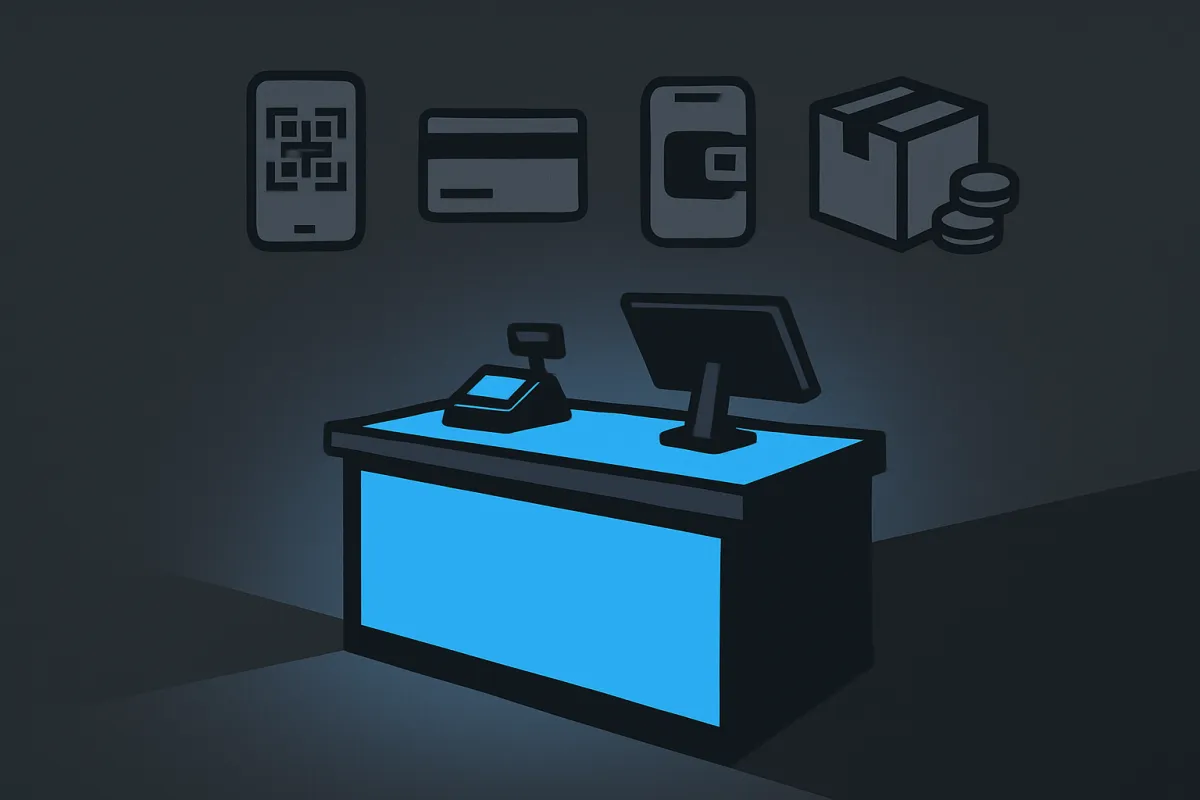
Give shoppers the payment options they trust. Here's how to set up your store's checkout to accept UPI, cards, wallets, and cash on delivery the simple way.
You worked hard to get someone to your store. They picked a product, added it to the cart, and reached checkout. Then they leave, because their favorite way to pay isn't there. That's a sale lost for no good reason. The fix is simple: give people a checkout that accepts UPI, cards, wallets, and cash on delivery, so almost anyone can pay in the way they trust. Here's how to set it up without getting lost in technical details.
Why offering more payment options matters
People pay in very different ways. One shopper taps a UPI app in two seconds. Another prefers a credit card so they can track spending. Some like wallets because the money is already loaded there. And many, especially first-time buyers, only feel safe paying cash when the parcel arrives at their door.
When you offer just one option, you quietly turn away everyone who wanted a different one. Each payment method you add removes a small reason to leave. Think of it like a shop with more open doors. More doors, more people walk in.
This is one of the biggest reasons buyers abandon their carts, so it's worth getting right. If you want to go deeper on that, our guide on how to reduce cart abandonment covers the other common drop-off points too.
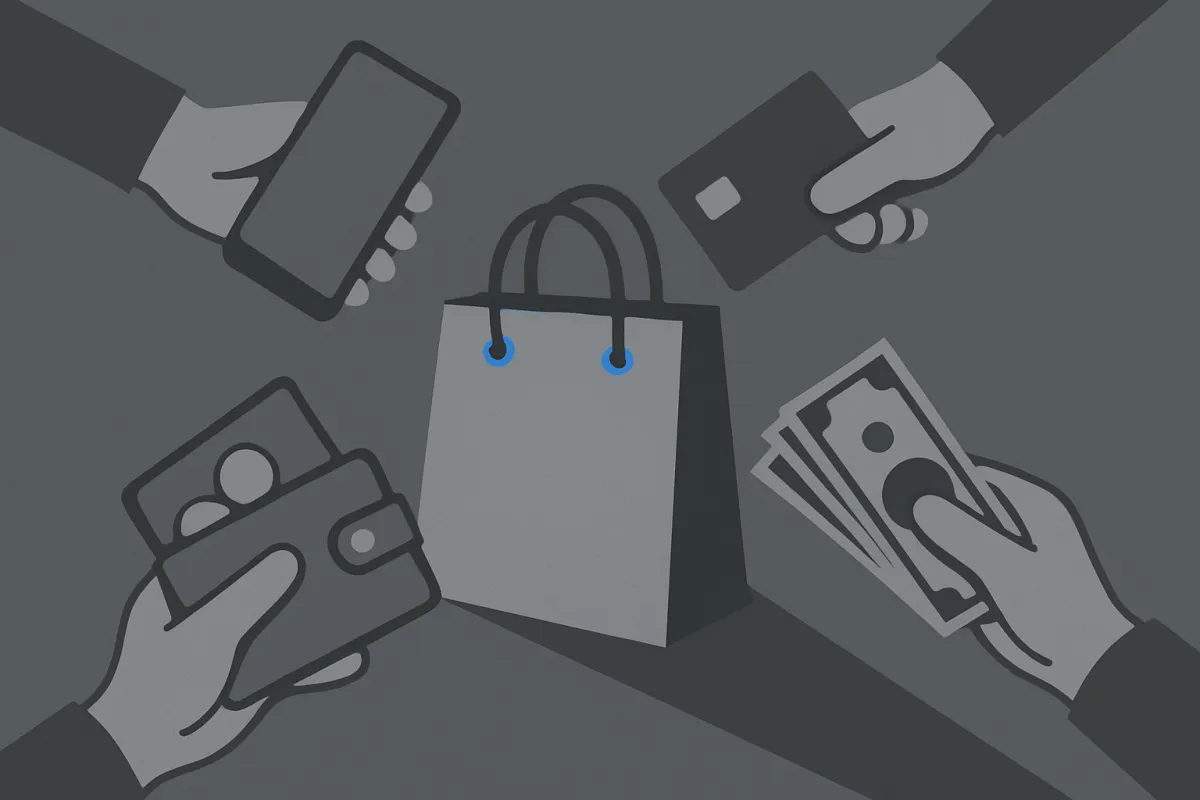
Know the four main ways people want to pay
Before you set anything up, it helps to understand what each option actually is and who uses it.
- UPI is instant bank-to-bank payment through phone apps. It's fast, free for the buyer, and hugely popular in India. Many people won't buy without it.
- Cards means debit and credit cards. These work for local and international shoppers, and credit cards let people buy now and pay their bank later.
- Wallets are apps where money is preloaded. Buyers like them because paying is one quick tap and they don't need to enter card details.
- Cash on delivery (COD) lets people pay cash when the order arrives. It builds trust with buyers who are nervous about paying online first, especially for a brand they don't know yet.
You don't have to offer all four from day one, but the more you cover, the fewer people you lose. Which ones matter most depends on your customers and your country, so start with what your audience already uses.
How to set up each payment method
You have two broad paths. You can wire up payment tools yourself, or you can use a store builder that has these options built in. Either way, here's what setting up each method involves.
1. Turn on UPI and wallets
UPI and wallets usually come bundled inside a single payment gateway. A gateway is just the service that safely moves money from the buyer to you. Once you connect one, you can switch these options on with a toggle. The buyer either scans a code, picks their UPI app, or chooses their wallet at checkout, and the money lands in your account.
2. Enable card payments
Cards run through the same gateway. To accept them, you'll usually need to verify your business details, like your name, address, and bank account. This is normal and keeps things safe for everyone. After you're approved, cards appear automatically at checkout. If you sell to buyers in other countries, check that your gateway supports international cards.
3. Add cash on delivery the smart way
COD is different because no online payment happens up front. You simply mark it as an accepted option, and the customer pays your delivery person or courier in cash. The tricky part is that COD orders get cancelled more often, since it's easy to say no when no money has changed hands. To protect yourself, you can:
- Set a minimum order value for COD, so tiny orders don't cost you shipping.
- Turn off COD for far-away areas your courier can't reach easily.
- Add a small COD handling fee to cover the extra effort.
- Send a quick confirmation message so the buyer remembers the order is coming.
A clear delivery timeline also helps. Pair COD with a solid shipping policy that sets clear expectations so buyers know exactly when to have the cash ready.
The simple way to do all of this at once
Setting up gateways, verifying documents, and connecting each method one by one can feel like a lot. This is where an all-in-one builder saves you time. A platform like vq.pe lets you accept cards, UPI, wallets, and cash on delivery from one checkout, without piecing together separate tools. You flip on the options you want, and they show up for your shoppers.
If you're still setting up the money side of your business from scratch, our walkthrough on how to set up online payments and start accepting money is a good next read. It covers the account basics that come before choosing which methods to display.
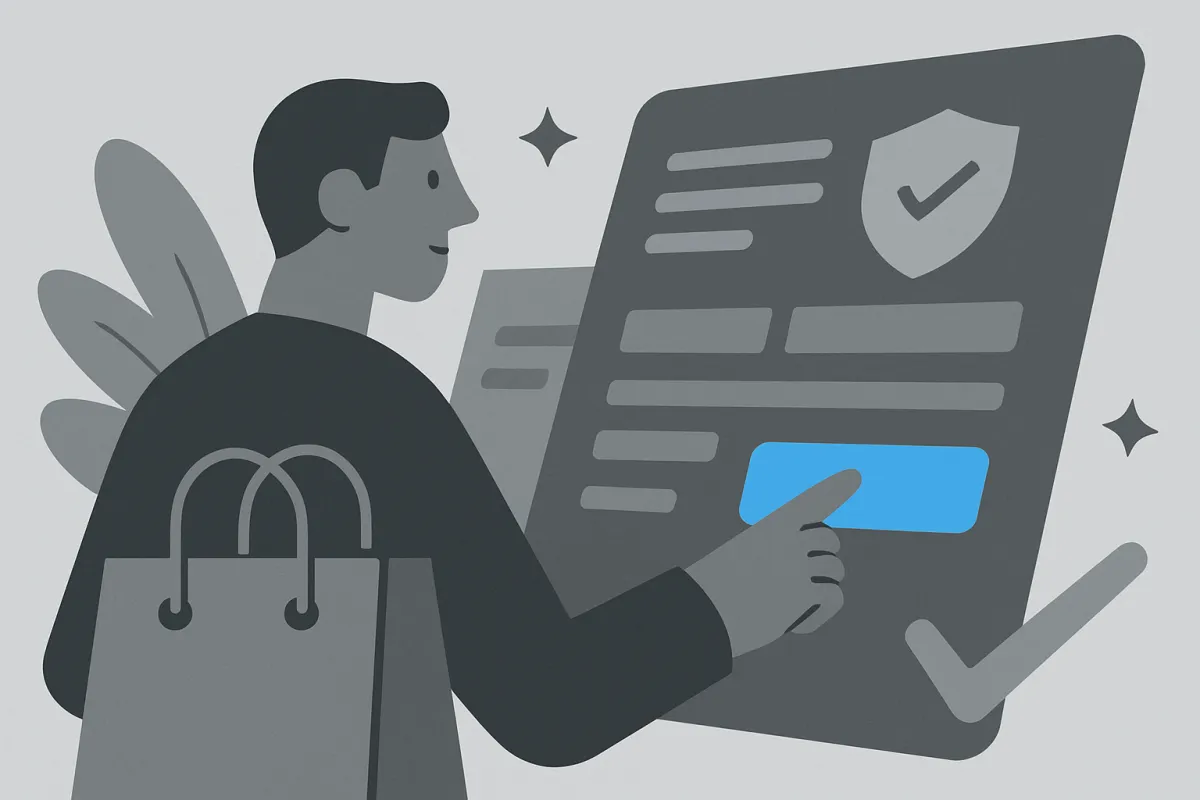
Make your checkout easy to trust and easy to finish
Offering the right payment methods is half the job. The other half is a checkout that feels smooth and safe. Small things push people over the line.
- Show the payment options early. Display icons for UPI, cards, wallets, and COD on the product page or cart, not just at the final step. People relax when they see their method is there.
- Keep the form short. Ask only for what you truly need to fulfil the order. Every extra field is a chance for someone to give up.
- Let guests check out. Forcing people to create an account before paying loses sales. Offer it, don't demand it.
- Be clear about total cost. Show delivery charges and any COD fee before the final button. Surprise costs are a top reason carts get abandoned.
- Add trust signals. A visible refund policy, real customer reviews, and a working contact option all lower hesitation.
Trust matters most for first-time buyers who don't know you yet. A clear refund and return policy tells people it's safe to try you, and genuine customer reviews near your checkout reassure the nervous ones. These small additions often do more than any discount.
A quick real-world example
Say you sell handmade candles. At first you only accepted UPI. Sales trickled in, but plenty of people left at checkout. You added cards, and a few more orders came from buyers who prefer them. Then you turned on cash on delivery with a minimum order of a modest amount and switched it off for one hard-to-reach region. Suddenly, cautious first-time buyers started ordering, because they could pay when the candles arrived. Same product, same prices, more sales, just by opening more doors at checkout.
Keep an eye on what works
Once your options are live, watch which ones people actually use. If almost everyone pays by UPI, make sure it's front and center. If COD orders keep getting cancelled, tighten your rules or add a confirmation step. If international card payments start coming in, double-check your gateway handles them cleanly.
You don't need fancy tools for this. Just check your orders every week and notice the pattern. Small tweaks based on what you see will steadily lift the number of people who finish paying.
The goal is simple: let people pay the way they already like to pay, and make that last step feel effortless. Turn on the methods your customers want, keep the checkout short and honest, and remove every little reason to walk away. When you're ready, set up your store's checkout so UPI, cards, wallets, and cash on delivery all just work, and watch how many more orders make it across the finish line.