
How to Set Up Multi-Currency Pricing for Global Sales

Selling abroad gets easier when shoppers see prices in their own money. Here's a simple, beginner-friendly way to set up multi-currency pricing and get paid.
When someone in another country lands on your store and sees a price in a currency they don't use, they pause. They have to open a converter, do the math, and guess what they'll really pay. Many of them just leave. Multi-currency pricing fixes that by showing each shopper prices in their own money, so buying feels normal and safe. This guide walks you through how to set it up, even if you've never sold abroad before.
What multi-currency pricing actually means
It's simpler than it sounds. Multi-currency pricing means your store can display prices in more than one currency. A visitor from India sees rupees, someone in the UK sees pounds, and a shopper in the US sees dollars. Same product, familiar numbers.
There are two common ways this happens:
- Automatic conversion. You set one base price, and the store converts it to other currencies using a live exchange rate.
- Manual pricing. You set the exact price in each currency yourself, so nothing changes with the market.
Both are fine. Automatic is easy to start with. Manual gives you more control over how prices look and protects your profit when rates move around.
Why it's worth the effort
People trust what they understand. A price in a shopper's home currency removes doubt and makes your store feel local, even if you're on the other side of the world. It also cuts down on surprises at checkout, which is one of the biggest reasons carts get abandoned.
Here's the honest part, though. Showing a price in someone's currency is only half the job. If they can't actually pay in a way that's normal for their country, you still lose the sale. So think about currency and payment together, not one without the other.

Step 1: Decide which countries you're really selling to
Don't try to support every currency on earth. Start with where your customers actually are, or where you want them to be. If most of your traffic comes from three or four countries, cover those first.
- Look at your store analytics to see where visitors come from.
- Pick the top three to five countries.
- Note the currency each one uses.
- Start with those, and add more later if demand grows.
If you're not sure where people are coming from, it helps to read your store analytics to find what loses sales and where your traffic actually lives. Data beats guessing.
Step 2: Choose automatic or manual pricing
Now decide how prices get set. Here's a quick way to choose.
| Use automatic conversion if | Use manual pricing if |
|---|---|
| You're just starting and want it fast | You want tidy, clean prices |
| You have lots of products | You sell only a few items |
| You're okay with prices shifting slightly | You want steady, predictable prices |
A small tip on automatic conversion: raw converted prices look messy. Something might show up as 19.37 instead of a clean 19.99. Look for a rounding option so prices land on nice numbers. Rounded prices feel intentional and more trustworthy.
Step 3: Protect your profit margin
Exchange rates move every day. If you sell in a currency that drops in value, you could quietly earn less on every order. There are a few easy ways to stay safe.
- Add a small buffer. Price a little higher than the exact conversion to cover rate swings and payment fees.
- Check your prices monthly. A quick review catches any prices that have drifted too low.
- Watch fees. Payment processors and currency conversion often carry a fee. Know what it is so you're not surprised.
You don't need to overthink this. A modest cushion on top of the raw rate usually keeps you comfortable.
Step 4: Make sure people can pay in their own way
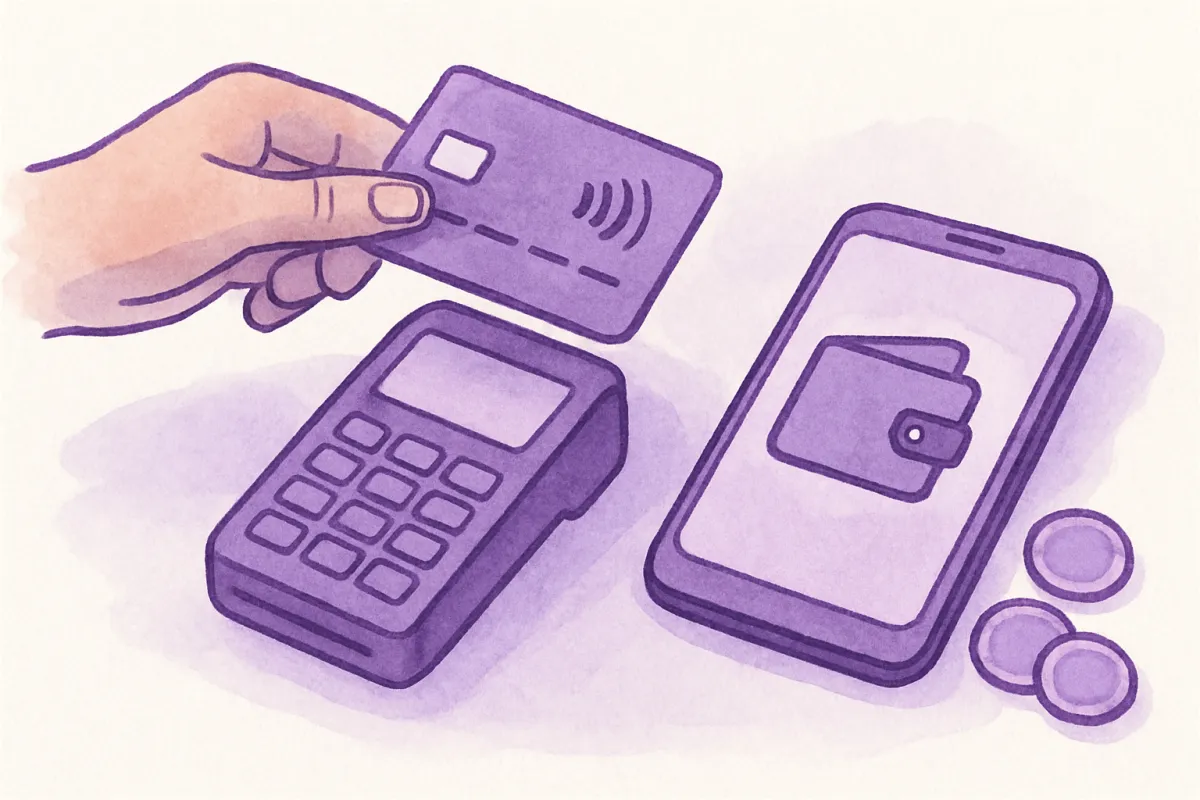
Different countries prefer different payment methods. Cards are common almost everywhere, but many shoppers reach for wallets, bank transfers, or local options first. If your checkout only offers one method, you'll lose buyers who don't use it.
Aim to offer a few options that match your target countries. The goal is simple: when a shopper reaches checkout, they should see a way to pay that feels familiar. A platform like vq.pe lets you sell in multiple currencies and accept payments through several gateways, so both the price and the payment feel local without you wiring anything together by hand.
Step 5: Be clear about shipping, taxes, and duties
This is where international orders get tricky, and where trust is won or lost. A customer abroad wants to know the full cost before they commit.
- Shipping. Show international shipping costs clearly, or offer flat rates per region so there are no shocks.
- Taxes and duties. Import taxes vary a lot by country and can be charged when the parcel arrives. You usually can't collect these for the buyer, so at least tell them they might apply. Rules differ everywhere, so check what applies to your countries.
- Delivery time. Give an honest estimate. International shipping takes longer, and setting expectations prevents angry messages later.
Being upfront here does more for your reputation than any discount. People forgive a higher price. They don't forgive a surprise charge.
Step 6: Build trust at the moment of payment
Buying from a foreign store already feels like a small risk to some people. Reduce that feeling. Answer the questions they're nervously thinking, and show that their payment is safe.
Two things help a lot. First, a clear product FAQ that removes buying doubts can cover shipping times, returns, and which currencies you accept. Second, visible security signals reassure hesitant shoppers, so it's worth learning how to add trust badges and security signals to your checkout. Small touches, big difference.
A quick example
Say you make handmade candles and most orders come from your home country, plus a growing trickle from the US and Australia. You don't need twenty currencies. You add two: US dollars and Australian dollars. You set them with automatic conversion, turn on rounding so prices end in .99, and add a small buffer for fees.
Then you offer card payments plus one popular wallet, show a flat international shipping rate, and add a short note that import duties may apply. That's it. Now a shopper in Sydney sees a clean price in Australian dollars, pays the way they always do, and knows what to expect. You just made buying easy for them.
Common mistakes to avoid
- Supporting too many currencies too soon. It's more to manage and it won't help if you have no buyers there yet.
- Forgetting payment methods. A local price with a foreign-only checkout still loses the sale.
- Ignoring rate changes. Set it and forget it, and you might slowly lose margin. A monthly check is enough.
- Hiding the total cost. Surprises at checkout are the fastest way to lose trust.
You don't have to get everything perfect on day one. Start with the currencies your real visitors use, make sure they can pay comfortably, and be honest about costs. Add more as your international orders grow. Pick your top two or three countries today, set their currencies, and turn a curious foreign visitor into a paying customer.