
How to Set Up Google Business Profile to Get Found Locally
Want nearby customers to find you on Google Maps and Search? Here's a simple, step-by-step way to set up your Google Business Profile and get seen fast.
When someone nearby searches for what you sell, you want to be the business they see first. A Google Business Profile is what makes that happen. It's the free listing that shows up on Google Maps and in local search results, with your name, hours, photos, reviews, and a button to call or visit. Set it up well and you get found by people who are ready to buy today. Here's exactly how to do it, in plain steps.
What a Google Business Profile actually is
Think of it as your free business card on Google. When someone types "coffee shop near me" or "plumber in [your town]," Google shows a short list of nearby businesses with a little map above them. Those listings come from Google Business Profiles.
It's completely free. You don't need a website to start, though having one helps a lot. And it works for almost any local business: a bakery, a salon, a repair shop, a freelancer who meets clients, or a store that delivers around town.
Step 1: Create or claim your profile
Go to google.com/business and sign in with a Google account. If you don't have one, make a free one first. Then follow these steps:
- Type your business name. If it already shows up, someone (or Google) may have started a listing. Claim it instead of making a new one.
- Choose your main business type, like "bakery" or "electrician." This is one of the most important choices, so pick the closest match.
- Say whether customers visit you at a physical address, or whether you go to them. A shop shows its address; a mobile service can hide it and list the areas it covers.
- Add your phone number and website link. No website yet? You can add one later.
That's the base. Now Google needs to know you're the real owner.
Step 2: Verify that the business is yours
Verification stops strangers from editing your listing. Google usually offers one of a few ways: a postcard with a code mailed to your address, a phone call or text, an email, or a short video. The options you see depend on your business type and country.
The postcard is the most common and takes a few days to arrive. When it comes, log back in and type the code. Until you verify, your profile won't fully show in search, so don't skip this part.
Step 3: Fill in every detail (this is where most people quit too early)
A half-empty profile looks abandoned, and Google tends to rank complete profiles higher. Take twenty minutes and fill it all in.
- Hours: Add your real opening hours, and set special hours for holidays. Nothing annoys a customer more than driving over to a closed shop.
- Description: Write a few honest sentences about what you do and who you help. Skip the sales fluff. Just be clear.
- Services or products: List what you offer. If you run a store, this pairs well with strong product descriptions that actually sell on your website.
- Categories: Add a few extra categories beyond your main one if they truly fit. A cafe might add "breakfast restaurant" and "dessert shop."
- Attributes: Tick the boxes that apply, like "wheelchair accessible," "free wifi," or "women-owned." These help you match specific searches.
Step 4: Add photos that make people want to visit
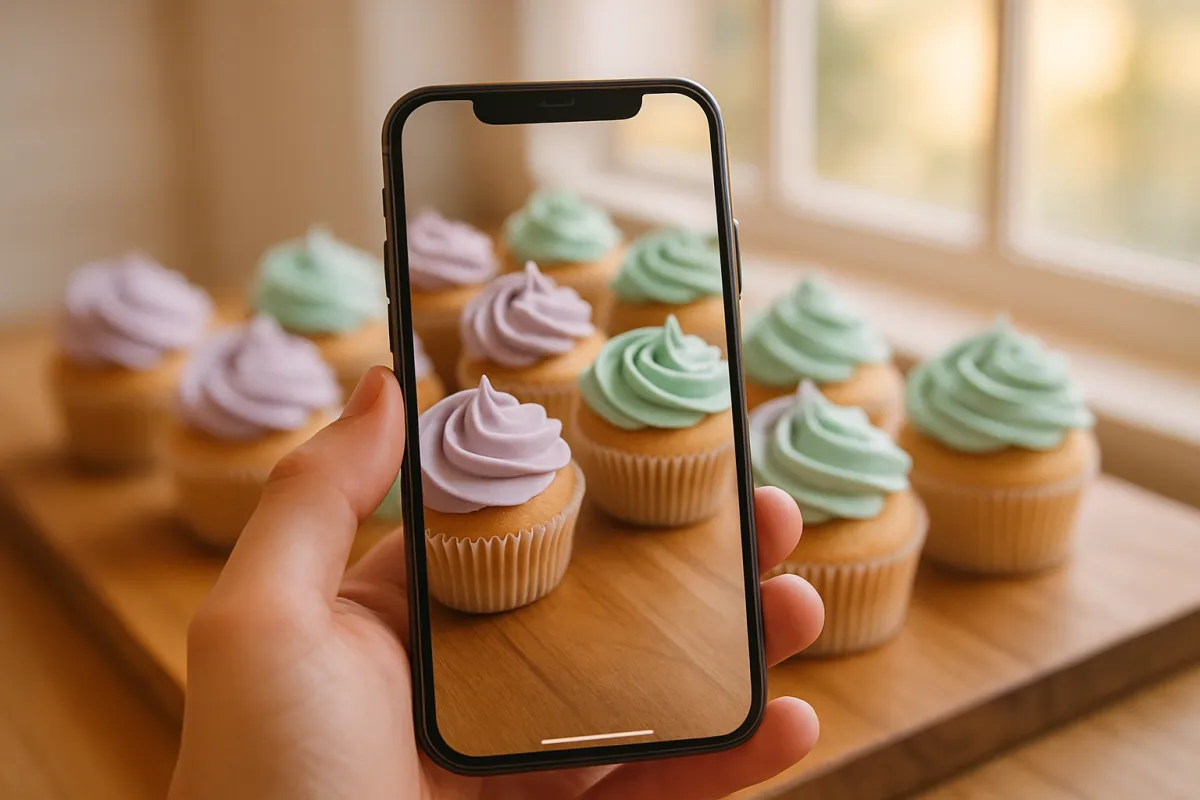
Photos do a lot of quiet work. People trust a business they can see. Add a clear logo, a cover photo, shots of the inside and outside, your team, and your products or finished work.
You don't need a fancy camera. A recent phone works fine. If you're not sure how to make things look good, our guide on taking great product photos with just your phone covers the basics like lighting and angles. Try to add a few fresh photos every month so your profile looks active and cared for.
Step 5: Turn on the features that fit your business
Google Business Profile has extra tools you can switch on. Use the ones that match how you work:
- Messaging: Let customers text you questions straight from the listing.
- Booking: If you take appointments, link a booking system so people can reserve a slot.
- Products: Show items with prices, which is handy for shops.
- Posts: Share short updates, offers, or news. These behave a bit like social posts and show on your profile.
You don't have to use all of them. Pick two or three you'll actually keep up with.

Step 6: Get reviews, and reply to them
Reviews are the heart of local search. More good reviews mean more trust and, often, a higher spot in results. The best time to ask is right after you've made someone happy.
Keep it simple. Send a short message with your review link, or ask in person. Something like, "If you enjoyed it, a quick Google review really helps us." Most happy customers are glad to help; they just forget unless you ask.
Then reply to reviews, all of them. Thank the good ones warmly. For a bad one, stay calm, apologize, and offer to fix it. Future customers read how you handle complaints, and a polite reply can win them over more than the complaint loses.
Step 7: Keep it fresh and connect it to your website
A profile isn't a set-and-forget thing. Update your hours when they change, post a new offer now and then, and add photos regularly. Google rewards listings that stay active.
Your profile works best alongside a real website. The listing gets people interested; your site closes the deal with more detail, more photos, and a way to buy or book. If you don't have one yet, a builder like vq.pe lets you put up a simple site, add your products, and take payments without any code. Point your profile's website link at it, and follow a simple SEO checklist for a new website so both work together.
A quick example
Say you run a small home bakery. You set up your profile, choose "bakery" as your category, and mark that you deliver locally instead of showing a home address. You add ten photos of your cakes, list your popular items with prices, and turn on messaging. After each order, you send a friendly note asking for a review. Within a few weeks, when someone searches "birthday cake near me," your smiling profile with fifteen reviews shows up, and the orders start coming in. That's the whole point.
Once local customers are finding you, keep the momentum going. Our guide on getting your first 100 customers pairs nicely with a strong profile.
Common mistakes to avoid
- Using a fake or "keyword-stuffed" business name. Use your real name only, or Google may suspend the listing.
- Leaving hours wrong or blank.
- Ignoring reviews, good or bad.
- Adding no photos, or only one.
- Setting it up once and never touching it again.
Setting up your Google Business Profile takes an afternoon, costs nothing, and puts you in front of people who are searching for exactly what you offer. Start today: create the listing, verify it, fill in every field, and ask your next happy customer for a review. Small steps, done now, get you found.