
How to Set Up Abandoned Cart Recovery Emails That Win Back Sales
Most shoppers add items and leave without buying. Here's how to set up simple abandoned cart emails that gently bring them back and recover lost sales.
Someone visits your store, adds a product to their cart, and then leaves without paying. It happens all the time. The good news is that many of those people still want what they picked - they just got distracted, unsure, or busy. An abandoned cart recovery email is a friendly nudge that reminds them to finish, and it's one of the easiest ways to earn back sales you thought you lost.
This guide shows you exactly how to set these emails up, what to say, and when to send them. No jargon, no fancy tools required. Just a clear plan you can put in place this week.
What an abandoned cart email actually is
An abandoned cart is simply a cart that got filled but never paid for. The shopper reached the point of almost buying, then stopped. A recovery email is a short message sent to that person a little while later, reminding them about the items they left behind and giving them an easy way to come back and check out.
Think of it like a shop assistant who notices you left something at the counter and quietly says, "You forgot this - want me to hold it for you?" That's the whole idea. Helpful, not pushy.
To send these emails, you need one thing: the shopper's email address. That usually means they started checkout and typed their email before leaving. That's why your checkout should ask for email early in the process.
Why so many carts get abandoned
Before you fix the problem, it helps to know why people leave. Once you understand the reasons, your emails can answer them directly.
- Surprise costs. Shipping or extra fees showed up at the end and felt too high.
- They weren't ready. They were just browsing or comparing prices.
- Checkout felt like work. Too many steps, forced sign-up, or a form that wouldn't cooperate.
- Payment worry. Their preferred way to pay wasn't there, or the page didn't feel safe.
- Life got in the way. A phone call, a crying baby, a low battery. Totally normal.
Some of these you fix at the store level. If you're losing a lot of people right at payment, it's worth reading our guide on how to reduce cart abandonment in your online store and making sure your checkout supports UPI, cards, wallets, and cash on delivery. Recovery emails work best when the checkout itself isn't scaring people away.
How many emails to send, and when
You don't need a big complicated sequence. Two or three emails spaced out over a few days does the job for most small stores. Here's a simple, proven rhythm.
- Email 1 - about 1 hour later. A gentle reminder. "Looks like you left something behind." No pressure, no discount yet. Many people come back just from this.
- Email 2 - about 24 hours later. A helpful follow-up. Answer common worries, show the product again, and remind them why it's worth it.
- Email 3 - about 48 to 72 hours later. The last nudge. This is where a small discount or free shipping can tip an unsure buyer over the line.
Sending the first email quickly matters. The longer you wait, the more the shopper forgets what they wanted. One hour is a sweet spot: they're still nearby, but you're not being annoying.
What to put in each email
Keep every email short and clear. The reader should understand it in five seconds. Here's what each one needs.
A subject line that feels human
Skip the shouty all-caps. Write like a person. Simple lines work best, such as "You left something in your cart" or "Still thinking it over?" The goal is to sound friendly, not desperate.
A reminder of what they left
Show the exact product they added, ideally with a picture. People shop with their eyes. Seeing the item again brings back the reason they wanted it. If your product photos are weak, that hurts here too - a quick fix is to retake them using our tips on how to take great product photos with just your phone.
One clear button
Give them a single, obvious link back to their cart. Something like "Return to my cart" that takes them straight to checkout with their items still there. Don't make them start over. The easier it is, the more people finish.
A reason to trust you
A little reassurance goes a long way. Mention your return policy, safe payment, or a customer review. If someone hesitated because they weren't sure about you, a short trust line can settle it.
A simple example sequence
Here's how the three emails might read for a small store selling handmade candles. Notice the tone stays warm and the message stays short.
Email 1 (1 hour): "Hi Priya, you left a Lavender Soy Candle in your cart. We saved it for you. Want to finish up? [Return to cart]"
Email 2 (24 hours): "Still deciding? Our candles burn clean for over 40 hours and ship in a day. Free returns if you're not happy. Your candle is waiting. [Return to cart]"
Email 3 (48 hours): "Last reminder - here's 10% off to help you decide. Use it at checkout before it expires. [Claim my discount]"
See how the pressure builds slowly? Email one is a nudge. Email two removes doubts. Email three sweetens the deal. You're not begging - you're helping someone finish something they already started.
Should you offer a discount?
This is the most common question, and the honest answer is: not right away. If you offer money off in the very first email, smart shoppers will learn to abandon carts on purpose just to get the deal. That trains people to wait, and it eats your profit.
Save the discount for the last email, and only offer it to people who didn't respond to the first two. Think of it as a final tool, not your opening move. If you want to use discounts wisely without hurting your margins, our guide on building a coupon and discount strategy that boosts sales, not losses is worth a read.
How to set this up step by step
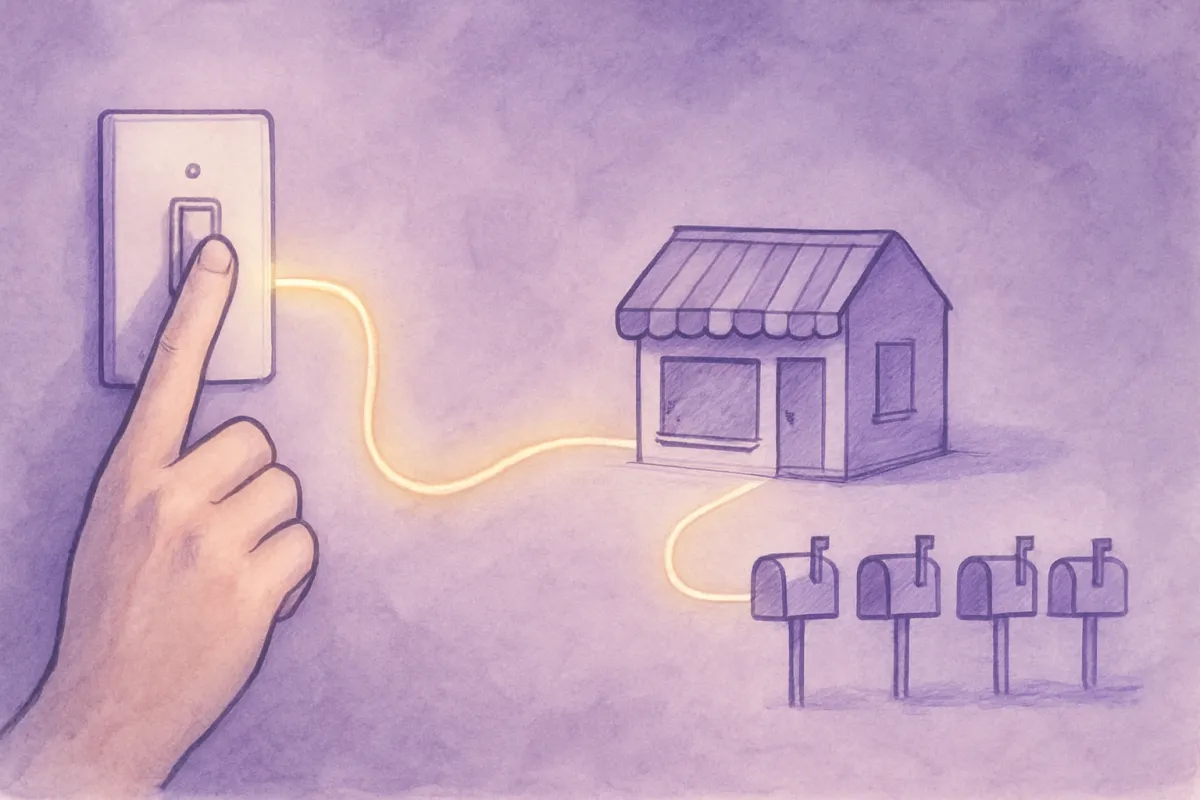
Here's the practical part. Follow these steps and you'll have working recovery emails in place.
- Make sure you collect email early. Set your checkout so the email field comes before payment. No email, no recovery message.
- Turn on cart tracking. Your store needs to notice when a cart is left behind. Most builders and email tools have this built in - you just switch it on.
- Write your two or three emails. Use the examples above as a starting point. Keep them short and personal.
- Set the timing. One hour, one day, two to three days. Enter these delays in your tool.
- Add the cart link. Make sure the button sends people back to their saved cart, not the homepage.
- Test it yourself. Add a product, enter your own email, abandon the cart, and check that each email arrives on time and looks right on your phone.
If wiring this up sounds fiddly, an all-in-one platform like vq.pe can run your store, checkout, and automatic emails together, so the recovery messages send themselves when a cart is left behind. That way you set it up once and let it work quietly in the background.
Keep improving after launch
Once your emails are live, watch what happens. Note how many people open them and how many come back to buy. If almost nobody opens, try a different subject line. If they open but don't click, make your button clearer or your reason stronger.
Recovery emails also pair nicely with messages you send after a sale. Once someone does buy, a good follow-up keeps them coming back - our post on post-purchase emails that bring buyers back again shows how. And if email is new to you in general, start with the basics in our email marketing guide for beginners.
You won't win back every cart, and that's fine. Even recovering a handful of sales each month adds up to real money you'd otherwise have missed. Set up your first email today, keep it simple, and let it do the quiet work of bringing shoppers back.