
How to Create a Checkout Upsell That Boosts Revenue
A good checkout upsell earns more per order without pushing buyers away. Here's how to offer the right extra at the right moment, in plain steps.
An upsell is just a friendly nudge to add one more thing before someone pays. Done well, a checkout upsell earns you more money per order and makes the buyer happier, because they get something that actually helps them. Done badly, it feels pushy and can scare people off right when they were ready to pay. This guide shows you how to get the good version, in plain steps you can set up today.
What a checkout upsell really is
Picture a coffee shop. You order a coffee, and the person asks, "Want a muffin with that?" That's an upsell. It works because it's quick, it fits what you already wanted, and it's easy to say no.
A checkout upsell online works the same way. Right before or just after someone buys, you offer one small extra that goes with their order. A phone case with a phone. A care guide with a plant. A second pair of socks at a small discount. The key words are small and related.
There's also a close cousin called a cross-sell (a matching product) and an order bump (a tick-box add-on shown at checkout). You don't need to memorize the names. Just remember the goal: help the buyer get more value while lifting your average order size.
Why upsells work when you do them kindly
People who are already buying are the easiest people to sell to. They trust you enough to hand over money. They're in a buying mood. Offering one useful add-on at that moment is natural, not sleazy.
The math is simple too. Say 100 people buy from you and 15 of them add a $10 upsell. That's an extra $150 with zero new ad spend and no new customers to find. Over a month, that adds up fast. This is one of the cleanest ways to increase your average order value without chasing more traffic.
The catch is trust. Push too hard and you undo the good feeling. So the whole game is offering the right thing, at the right time, in a gentle way.
How to pick the right upsell offer
The offer matters more than anything else. A great offer sells itself. A random one just gets in the way. Use these rules when you choose.
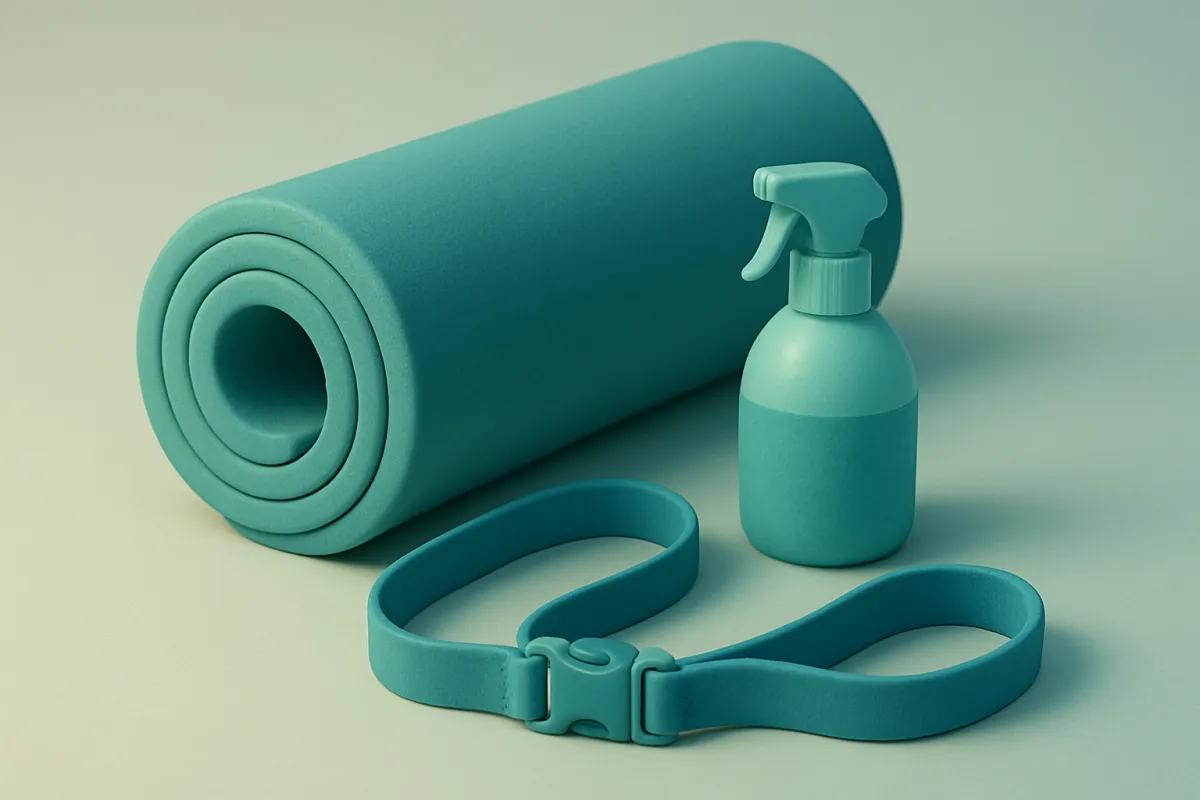
- Make it related. The add-on should clearly go with what they're buying. If someone buys a yoga mat, offer a strap or a cleaning spray, not a cookbook.
- Keep it cheaper than the main item. A good rule of thumb is the upsell costs less than half of the main product. A $40 order plus a $12 add-on feels easy. A $40 order plus a $60 add-on feels like a whole new decision.
- Make it a quick yes. The buyer should understand the value in one glance. No thinking required.
- Solve a real problem. The best upsells prevent a future headache. "Add a warranty," "add extra refills," "add gift wrap." These feel like help, not a sales trick.
If you're not sure what to offer, look at what buyers already pair together. Check past orders. Whatever two things people often buy in the same cart is your first upsell idea.
Where to place the upsell for the least friction
Timing decides whether an upsell feels helpful or annoying. There are three main spots, and each has a trade-off.
On the cart or checkout page (before payment)
You show a small add-on with a tick box while they review their order. This works well because it's low pressure and the buyer is still in "choosing" mode. Keep it to one offer. A wall of suggestions turns into noise and can push people to abandon the cart altogether.
Right after they pay (the one-click upsell)
Once payment goes through, you show a page like, "Want to add this too? One tap, same card." Because they've already paid, adding one more item feels tiny. The upside is high. The trick is to never make it feel like they're not done yet. Always make the "no thanks" option clear and easy.
On the thank-you page
After the sale is fully complete, the thank-you page is calm, friendly ground for a soft offer. It never blocks the original purchase, so there's no risk to your main sale. It pairs nicely with the ideas in this guide on writing a thank you page that wins repeat buyers.
How to write an upsell that doesn't feel pushy
The words you use change everything. Same offer, different tone, very different result. Here's how to keep it warm.
- Frame it as help, not a sale. "Most people also grab this so they don't run out" beats "Buy now, limited offer."
- Say the benefit, not just the product. Instead of "Add screen protector," try "Keep your screen scratch-free for years."
- Make declining painless. A clear "No thanks, continue" link tells the buyer they're in control. That trust actually lifts your take rate.
- Show the small price clearly. If it's a deal, show it plainly. Hidden or confusing pricing kills trust fast.
- Only offer once. If they say no, let it go. Repeating the offer feels like nagging.
Keep the copy short and human. Read it out loud. If it sounds like a pushy salesperson, rewrite it until it sounds like a helpful friend. The same plain-spoken style that works across your site, covered in this piece on website copy that sounds human, works here too.
A simple example from start to finish
Say you sell handmade candles. Your best seller is a large candle for $28.
You notice a lot of buyers also grab a box of matches and a wick trimmer. So you set up one upsell at checkout: a small tick box that says, "Add a matching wick trimmer so your candle burns clean and lasts longer, $9."
It's related. It's cheaper than the candle. It solves a real problem (candles burn badly without trimming). And it's one quick yes. Out of 100 candle buyers, maybe 18 add it. That's an extra $162 a month you weren't getting before, and those buyers get a better experience.
Then, after they pay, your thank-you page offers a three-candle gift set at a small discount for the holidays. No pressure, easy to skip. A few take it. The main sale was never at risk.

Common mistakes that annoy buyers
Most upsell problems come from a few repeat mistakes. Avoid these and you're most of the way there.
- Too many offers at once. One clear add-on beats five confusing ones.
- Offering something unrelated. A random product just feels like clutter and slows the checkout.
- Pricing it too high. A big add-on becomes a second decision, and second decisions cause hesitation.
- Blocking checkout. Never make people say no before they can pay. The main sale always comes first.
- Adding items to the cart without permission. Sneaky charges destroy trust and cause refunds and chargebacks.
When in doubt, ask yourself one question: would this feel helpful to me if I were buying? If the answer is no, cut it.
How to test and improve over time
You won't get the perfect upsell on day one, and that's fine. Treat it like a small experiment.
Start with one offer in one spot. Watch two numbers: how many buyers take the offer, and whether your overall completed sales stay steady. If your checkout completions drop, the upsell is getting in the way, so move it or soften it. If take-up is very low, your offer probably isn't a natural fit, so try a different add-on.
Change one thing at a time. Swap the product, then the wording, then the price. Give each version enough orders to judge, not just a handful. Over a few weeks you'll land on a combo that quietly earns more on almost every order.
If wiring all this up by hand sounds like a lot, a builder like vq.pe lets you run your store, checkout, and payments in one place, so adding an order bump or a post-purchase offer is a setting, not a coding project.
Start small. Pick one product people already love, find the natural sidekick that makes it better, and add a single gentle offer at checkout. Watch what happens, keep what works, and let your average order grow one friendly nudge at a time.