
How to Add Internal Links to Your Website (and Boost SEO)

Internal links guide visitors, keep them reading, and help Google understand your site. Here's the simple way to add them and lift your SEO.
Internal links are the little links inside your own website that send people from one of your pages to another. They sound small, but they do a lot of work. Good internal links keep visitors reading, guide them toward your best pages, and help search engines understand what your site is about. This guide shows you how to add internal links the simple way, with no technical skills needed.

What is an internal link, really?
An internal link is any link that points to another page on the same website. If a blog post links to your product page, that's an internal link. If your homepage links to your about page, that's one too.
Compare that to an external link, which points to a different website. Both matter, but internal links are the ones you fully control. You decide where they go and how they connect your pages together.
Think of your website like a small town. Pages are the buildings. Internal links are the roads. Without roads, people (and search engines) can only find the buildings they already know about. Add clear roads, and suddenly everything is easy to reach.
Why internal links boost your SEO
Search engines like Google send out software called crawlers to read your website. These crawlers follow links from page to page. When your pages are well linked, crawlers find all of them faster and understand how they relate.
Here's what internal linking does for your SEO in plain terms:
- It helps Google find your pages. A page with no links pointing to it is hard for search engines to discover. Link to it, and it gets found.
- It shows which pages matter most. Pages that get lots of internal links look more important. Google notices that.
- It explains what a page is about. The words you use in a link (called anchor text) give a clue about the page you're linking to.
- It keeps people on your site longer. When visitors click to read more, they stay longer, which is a good sign to search engines.
None of this needs special software. It's just thoughtful linking, done a little at a time.
How to add an internal link, step by step
Adding a link is easier than most people expect. On almost any website builder, the steps look like this:
- Open the page or blog post where you want to add the link.
- Find a natural word or short phrase in your text that relates to another page.
- Highlight that phrase with your cursor.
- Click the link button (it usually looks like a chain).
- Paste or pick the address of the page you want to link to.
- Save and check that the link opens the right page.
That's the whole process. The skill isn't in the clicking. It's in choosing what to link and where.
How to write good anchor text
Anchor text is the clickable part of a link. It should tell the reader exactly what they'll get if they click.
Avoid vague links like "click here" or "read more." They tell nobody anything. Instead, use words that describe the page. If you're linking to a page about writing product descriptions, your anchor text could be "how to write clear product descriptions."
Here are a few simple rules:
- Keep it short, usually two to five words.
- Make it describe the page you're linking to.
- Let it flow naturally in the sentence, not stuck on awkwardly.
- Don't use the exact same anchor text for every link to the same page. Mix it up a little.
For example, if you run a store and write about product images, you might link naturally to a guide on how to write alt text for images that helps SEO. The anchor text tells the reader precisely what's on the other side.
A simple plan for linking your pages
You don't need a complicated system. You need a habit. Here's a plan that works for a small website or store.
Start with your most important pages
Pick the three or four pages you most want people to see. These might be your main product page, your services page, or your best blog post. Make sure lots of your other pages link to these. This tells Google they matter.
Link new content to old content
Every time you publish a new blog post, add one or two links to older posts that relate to it. This keeps your older pages alive and connected instead of forgotten.
Link old content to new content
This one gets skipped a lot. When you publish something new, go back to two or three old posts and add a link pointing forward to the new page. Your new page gets discovered faster this way.
Connect pages that belong together
Group related pages so they support each other. If you sell online and want more sales per visit, your writing about pricing and product pages can point to each other. For instance, a post about setting up your shop could link to your guide on how to design a product category page that sells faster, because a reader interested in one is likely interested in the other.
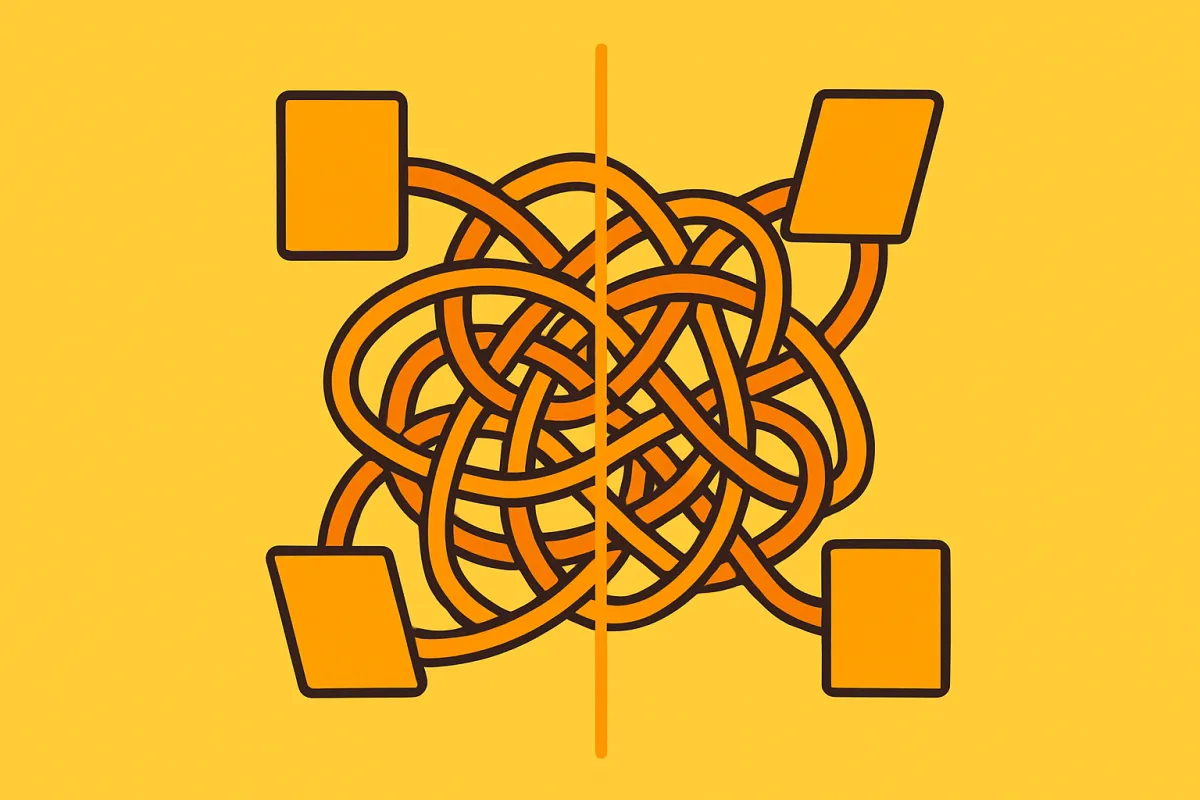
Common internal linking mistakes to avoid
A few simple habits keep your linking clean and helpful:
- Too many links. If a paragraph has five links, none of them stand out. Add links only where they truly help.
- Links that don't fit. Don't force a link just to have one. It should make sense to the reader.
- Broken links. If you delete or rename a page, old links to it may break. Check them now and then.
- Orphan pages. These are pages with no links pointing to them at all. They're easy to miss and hard for Google to find. Make sure every important page has at least one link leading to it.
- The same anchor text every time. Repeating identical link text over and over looks unnatural. Vary it.
How internal links help your visitors, not just Google
SEO matters, but real people click these links too. A well-placed internal link answers the next question before the reader even asks it.
Imagine someone reads your post about getting more clicks from search. Right at the moment they're curious, you link to your guide on how to write meta titles and descriptions that get clicks. You've helped them keep learning without hunting around. That's a better experience, and better experiences build trust.
The same idea works in a store. A visitor reading about one product might want a related one. A gentle link to a matching item, a size guide, or a delivery page keeps them moving forward instead of getting stuck.
Keep it simple and do it regularly
You don't have to link everything at once. Set aside a few minutes each time you publish or update a page. Ask yourself one question: "What else on my site would help this reader right now?" Then add that link.
If you build your site on a platform like vq.pe, adding links is just a highlight-and-click job inside the editor, so you can weave your pages together as you write. Over a few weeks, those small links add up to a site that's easy to explore and easy for search engines to understand.
Start today. Open your most popular page, find one spot where another page would help, and add a single clear link. Do that a few times a week, and your website slowly turns into a connected web that works harder for you.