
How to Write Alt Text for Images That Helps SEO
Alt text helps people who can't see your images and helps Google understand them. Here's how to write it well, in plain words, with real examples.
Every image on your website can carry a short line of hidden text called alt text. When someone can't see the picture, that text describes it for them. Search engines read it too, so good alt text helps both people and Google understand your page. This guide shows you how to write alt text that works, using plain words and clear examples, even if you've never touched it before.
What alt text actually is
Alt text (short for "alternative text") is a written description of an image. You add it when you upload a picture to your site. It doesn't show on the page in normal use. It stays behind the scenes and does its job in three moments:
- When a blind or low-vision visitor uses a screen reader, the reader speaks the alt text out loud.
- When an image fails to load, the browser shows the alt text in its place.
- When a search engine crawls your page, it reads the alt text to learn what the image shows.
So one short sentence does a lot. It makes your site kinder to use and easier to find. That's why it matters for both accessibility and SEO.
Why alt text helps your SEO
Google can't really "see" a photo the way you do. It reads the words around it and the alt text to guess what the image is about. When your alt text is clear and honest, Google understands your page better, and your images can show up in Google Images search. That's extra traffic you don't have to pay for.
There's a bonus too. Search engines tend to reward sites that are easy for everyone to use. Clear alt text is part of that. It's the same mindset that makes strong meta titles and descriptions that get clicks work: you're describing your content plainly so both people and search engines get it.
How to write good alt text, step by step
Here's a simple way to do it every time. It takes about ten seconds per image once you get the hang of it.
- Look at the image and ask: "If I couldn't see this, what would I need to know?"
- Describe the main thing in the picture in a short, natural sentence.
- Add one useful detail if it matters (color, action, or what's happening).
- Include a keyword only if it fits naturally. Never force it.
- Keep it short, usually under about 125 characters, which is roughly one sentence.
That's it. You're describing, not decorating. Write like you're telling a friend what's in the photo.
Weak alt text vs strong alt text
Examples make this clear. Say you have a photo of a woman drinking coffee at a cafe table with her laptop.
- Weak: "image1" or "IMG_4823.jpg"
- Weak: "coffee"
- Better: "Woman drinking coffee"
- Strong: "Woman working on a laptop while drinking coffee at a cafe table"
The strong version paints a clear picture and reads naturally. Notice it doesn't stuff in five keywords. It just tells the truth about the image.
Common alt text mistakes to avoid
Most alt text problems come from a few habits. Here are the ones to watch for.
| Mistake | Do this instead |
|---|---|
| Leaving alt text blank on important images | Describe what the image shows in a short sentence |
| Starting with "image of" or "picture of" | Just describe it. Screen readers already say it's an image. |
| Stuffing in lots of keywords | Use one keyword only if it fits naturally |
| Using the file name as alt text | Write a real human sentence |
| Writing a whole paragraph | Keep it to one clear sentence |
Keyword stuffing is worth calling out. If your alt text reads like "cheap running shoes buy running shoes best running shoes online," Google sees it as spam and it helps no one. Write for the person listening, and the SEO takes care of itself.
When to leave alt text empty
Not every image needs a description. Some pictures are purely decorative. Think of a thin divider line, a background swirl, or a small icon that sits next to text that already says the same thing. For these, an empty alt text is correct.
Why? Because a screen reader will skip an empty alt (written as alt="") instead of reading out something pointless. If your alt text is "decorative line," a blind visitor has to hear that on every page, which is annoying and adds nothing. So ask yourself: does this image carry meaning? If yes, describe it. If it's just decoration, leave it blank on purpose.
Alt text for different kinds of images
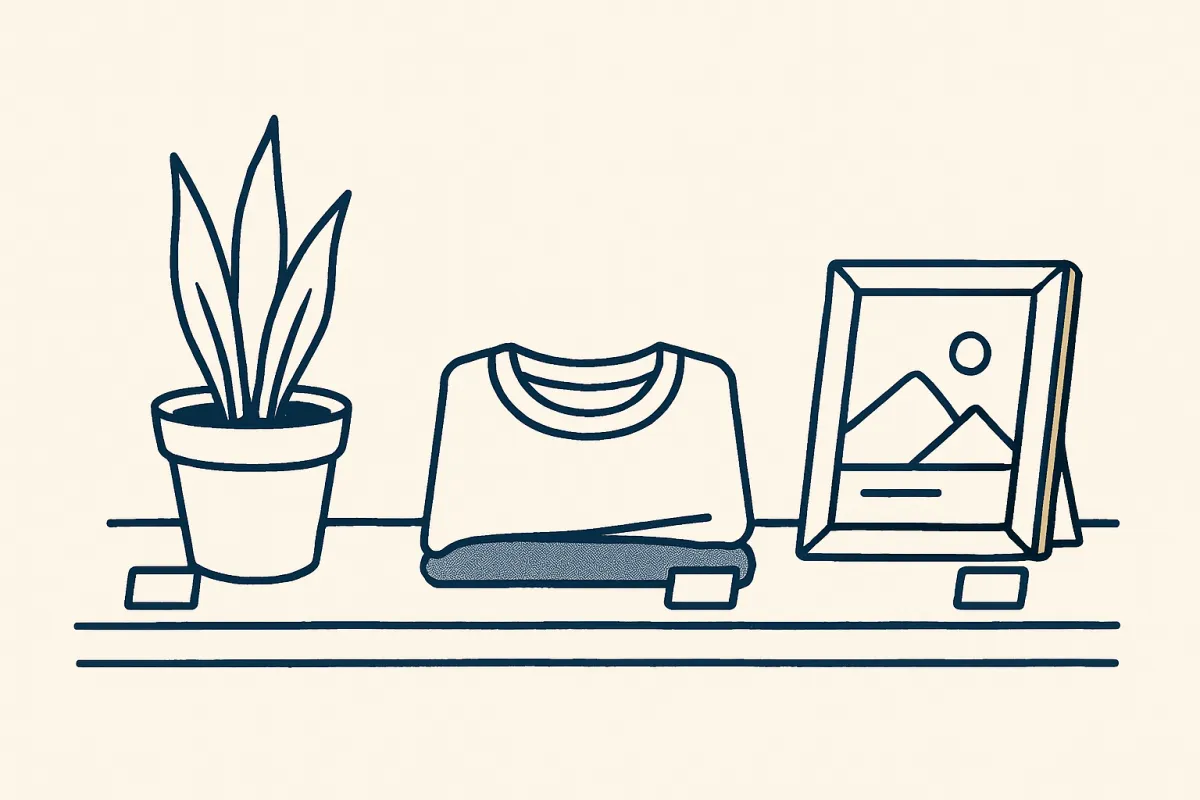
The right description changes a little depending on what the image does.
Product photos
Describe the product clearly and include details a buyer would care about, like color, material, or style. For a listing, "Blue cotton crewneck t-shirt with short sleeves" beats "t-shirt." This also helps your images show up when people search for that exact thing. If you sell online, good product alt text supports the same goal as a well-built product category page that sells faster: making it easy for buyers to find and understand what you offer.
Logos
Use the business name. For a logo, alt text like "Green Leaf Bakery" is enough. You don't need "logo of Green Leaf Bakery."
Photos of people or your work
Describe who's there and what they're doing. On a portfolio, this matters a lot, since your images are your proof. If you're building a site to show your skills, treat alt text as part of making a strong portfolio website that gets you hired, so clients and search engines both understand your work.
Charts and screenshots
Explain the point, not every pixel. For a sales chart, write "Bar chart showing sales rising each month from January to June" instead of listing every number. Give the takeaway.
A quick before-and-after example
Imagine you run a small online plant shop. You just uploaded a photo of a small potted snake plant on a windowsill.
Before: alt text is left blank, or it says "plant.jpg." A blind visitor hears nothing useful, and Google has no idea what the image shows.
After: your alt text reads "Small snake plant in a white pot on a sunny windowsill." Now a screen reader describes it clearly, the image can appear in Google Images when someone searches for snake plants, and your page looks more complete to search engines. Same photo, five extra seconds, real benefit.
How to check your alt text
You don't need special tools to start. Here's a simple routine:
- Go through your most important pages, like your home page and top products, and check each image has alt text.
- Read each one out loud. If it sounds natural and describes the image, you're good.
- Fix the blanks on meaningful images and clear out any keyword stuffing.
- For new images, add alt text as you upload, so it never piles up.
Most website builders make this easy. When you upload an image, there's usually a field labeled alt text or image description right next to it. On a platform like vq.pe, you add the description as you place the image, so your pages stay accessible and search-friendly without extra work later.
Make it a habit, not a project
You don't have to fix your whole site in one afternoon. Start with the pages that matter most and the images people actually look at. Write one honest sentence per image, skip the decorative stuff, and never stuff keywords. Do that from now on and your site becomes easier for everyone to use and a little easier to find in search.
Pick one page today, add clear alt text to its images, and build from there. If you're setting up a new site, add descriptions as you go and you'll never have to catch up later.