
How to Sell on WhatsApp: Turn Chats Into Orders and Payments

Learn how to sell on WhatsApp the simple way: set up your profile, share a catalog, take orders in chat, and get paid without losing track of anything.
People already message you asking for your prices, your sizes, and "is this in stock?" So why not let them buy right there? Learning how to sell on WhatsApp means turning those everyday chats into real orders and real payments, without building anything complicated. This guide shows you the simple way to do it, step by step.
You do not need a website to start. You do not need tech skills. You just need a phone, a few products, and a clear system so orders do not get lost in a pile of messages.
Why WhatsApp works so well for selling
WhatsApp is where your customers already are. They check it every day. They reply fast. And they trust it, because it feels personal, like talking to a friend instead of filling out a form.
That trust matters. A shy buyer who would never finish a checkout page will happily ask you a quick question in chat. You answer, you build trust, and the sale happens naturally. For many small sellers, that back-and-forth closes more orders than a fancy store ever could.
The trade-off is simple to name: WhatsApp is great for talking, but it is messy for managing. Orders get buried. Stock is hard to track. You forget who paid and who did not. So the goal is to keep the friendly chat part and add just enough structure to stay organized.
Step 1: Set up WhatsApp Business (it is free)
Start with the WhatsApp Business app, not the regular one. It is free and made exactly for this. Download it, register your business number, and fill out your profile.
Take a few minutes to do this properly:
- Add a clear business name and a simple logo or photo.
- Write a short description of what you sell.
- Add your hours, address (if you have a shop), and email.
- Set a greeting message that welcomes new chats automatically.
- Set an "away" message so people know when you will reply.
Those automatic messages do a lot of quiet work. When someone messages you at midnight, they get a friendly reply instead of silence, and they wait instead of leaving.
Step 2: Build a simple product catalog
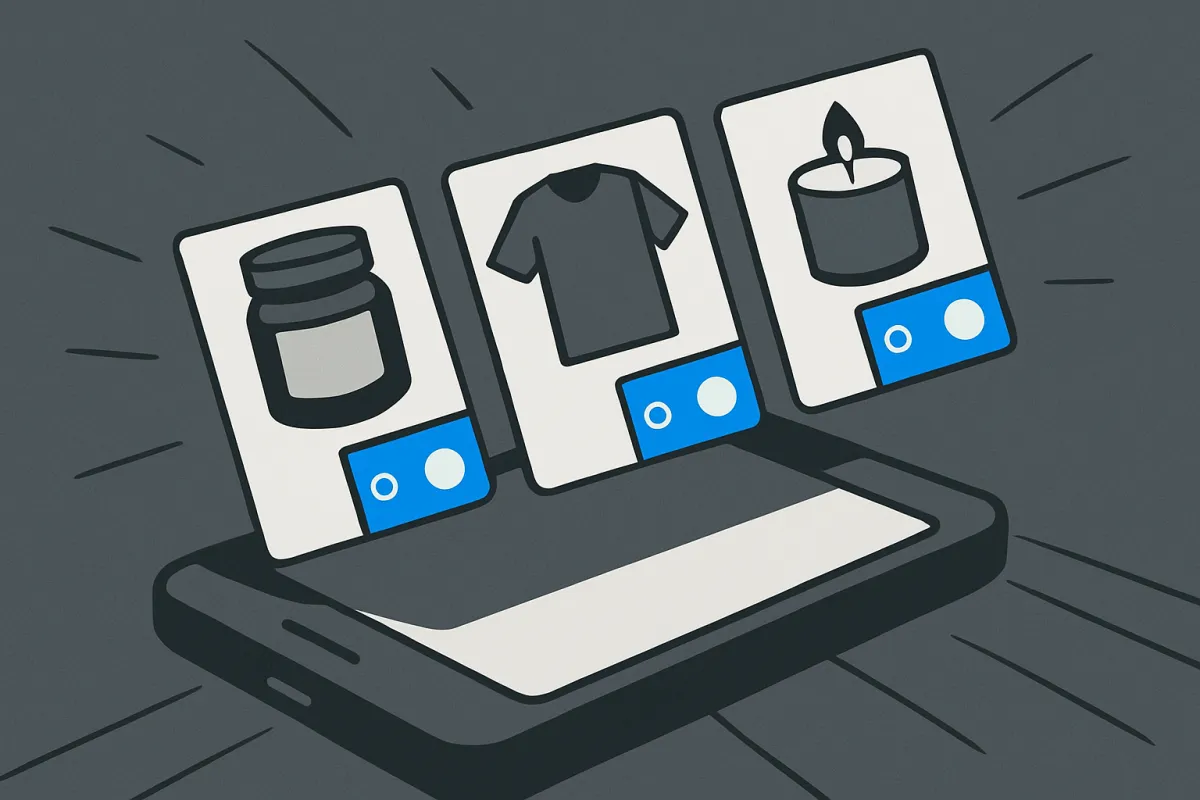
WhatsApp Business lets you add a catalog right inside the app. Think of it as a small menu of what you sell. Each item can have a photo, a name, a price, and a short description.
Add a clear photo for every product. Good light and a plain background are enough. Write the price plainly so nobody has to ask. When a customer opens your chat, they can browse the catalog and tap the item they want, which is much faster than you sending photos one by one.
If you sell the same product in different sizes or colors, keep it clear in the description. When you outgrow the simple catalog and need proper options, it helps to understand how to set up product variants like size, color, and style so buyers pick the exact one they want without confusion.
Step 3: Turn a chat into a clear order
This is where most sellers get messy. A customer says "I want two of these," and then three more people message, and suddenly you cannot remember who ordered what.
Fix it with a small habit. For every order, confirm the details back to the customer in one clean message:
- What they are buying and how many.
- The total price, including any delivery charge.
- Their name and delivery address.
- How they will pay and when.
- When they can expect it.
Sending this summary does two things. It stops mistakes, because the customer can correct you before you pack anything. And it gives you one message to scroll back to later. Use the label feature in WhatsApp Business to tag chats as "New order," "Paid," or "Shipped" so nothing slips through.
Step 4: Take payments without the awkwardness
Money is where new sellers get nervous. Keep it simple and clear. Tell the customer exactly how to pay before they pay, not after.
Your options usually include bank transfer, UPI or a mobile wallet, a payment link, or cash on delivery. The right mix depends on where you live, so pick what your customers already use. If you want a smoother experience where a buyer taps a link and pays by card, UPI, wallet, or cash on delivery, it is worth learning how to set up checkout for UPI, cards, wallets, and COD so you are not chasing screenshots of transfers.
A quick tip: for anything above a small amount, ask for payment (or a small advance) before you ship. Polite and firm works best. Something like, "Once I receive the payment, I will pack and send it out today." Most honest buyers are happy to pay first when you sound organized.
Step 5: Keep track of stock and orders
When two people ask for your last item at the same time, you need to know what is really left. Even a basic system saves you from selling something you do not have.
At the start, a simple notebook or a spreadsheet works. Write down each product and how many you have, and update it after every sale. As your orders grow, that manual counting gets painful, and it is smart to learn how to set up inventory management for a small store so your stock count updates on its own.
Step 6: Answer fast and answer once
Speed sells. A reply within a few minutes often wins the order over a competitor who replies tomorrow. But you cannot sit on your phone all day, so work smarter.
Save quick replies for the questions you get again and again: delivery time, price list, payment options, return policy. In WhatsApp Business you can store these as shortcuts and send them in one tap. If the same three questions keep coming up, that is a sign you should answer them upfront. A short list of common answers, like a mini FAQ that cuts down on repeat questions, saves you hours over a month.

Where WhatsApp alone starts to hold you back
Selling in chat is a great start. But at some point you feel the limits. You cannot show all your products at once. You cannot let customers check out on their own while you sleep. And you are the only "checkout button," so every sale needs your attention.
The fix is not to leave WhatsApp. It is to pair it with a simple online store. Keep the chat for questions and trust, and send buyers a link where they can browse everything, pick options, and pay by themselves. A builder like vq.pe lets you set up that store, catalog, checkout, and payments in one place, so your WhatsApp chats have somewhere solid to point to.
Here is how the two work together nicely:
- Someone messages you on WhatsApp with a question.
- You answer, build trust, and share your store link.
- They browse, choose, and pay on their own.
- You get a clean order with the address and payment already done.
You keep the warm, personal part. You drop the messy, repetitive part.
Simple habits that grow your WhatsApp sales
Once orders are flowing, a few small moves make a real difference:
- Ask for a review after delivery. A happy customer's words sell for you. Screenshots of praise, shared with permission, build trust with new buyers.
- Follow up gently. If someone asked about a product but went quiet, a short, friendly message a day later often revives the sale.
- Broadcast news, do not spam. Use broadcast lists for new stock or a small offer, but keep it rare and useful so people do not mute you.
- Reward repeat buyers. A small thank-you or a returning-customer discount turns a one-time order into a regular.
Selling on WhatsApp works because it feels human. Keep that feeling, add a little structure so nothing gets lost, and give buyers an easy way to pay. Start with the free WhatsApp Business app today, tidy up your catalog, and when you are ready to let customers check out on their own, connect it to a simple store so your chats turn into orders while you sleep.